
AI for SMEs: A Clear Guide to Smart Decisions
This guide shows you exactly what AI can do for your business today, what it really costs, and how to get started in under an hour. Straight information, no hype. Just practical data so you can decide if it’s worth it for your SME.
What you’ll find here: Real costs (not the ones buried in fine print), free tools that actually work, mistakes that will save you money, and an honest answer to whether your business needs AI now or can wait.
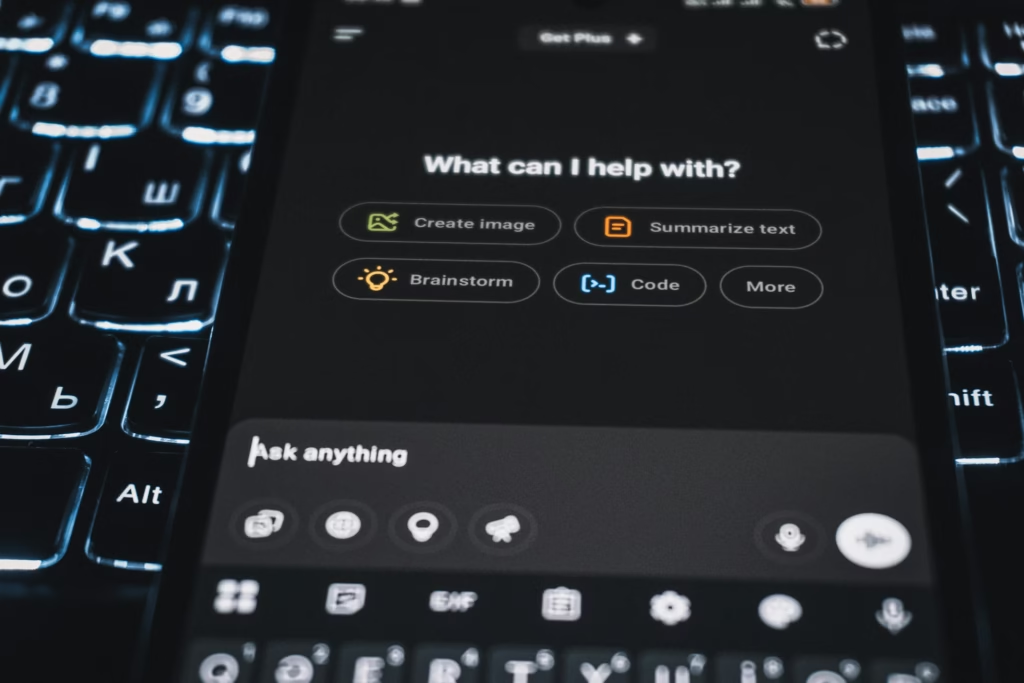
What Can AI Do for Your SME?
AI isn’t magic. It won’t run your business for you. But it can genuinely save you time on specific, repetitive tasks.
What DOES work today for SMEs:
- Customer service: Chatbots handling common questions 24/7, freeing your team for complex issues
- Content creation: Drafting emails, social media posts, product descriptions (which you’ll probably need to review and edit)
- Data analysis: Spotting patterns in sales data, customer behavior, inventory needs
- Administrative tasks: Summarizing documents, scheduling meetings, basic accounting support
- Marketing: Generating ad copy variations, creating social media images, personalizing email campaigns
What DOESN’T work (or requires significant investment):
- Fully autonomous decision-making for your business
- Replacing qualified professionals in complex roles
- Understanding nuanced customer relationships
- Handling situations requiring empathy or genuine judgment
The key to success: Think of AI as a highly efficient junior employee. It’s excellent for repetitive tasks and drafting work, but always needs supervision. The best results come when you combine AI with human expertise.
Real Costs of Implementing AI
One of the biggest questions: “Can I actually afford this?” Good news: AI tools have dropped dramatically in price.
Direct monthly costs:
- Basic AI chatbots (like ChatGPT): $20-40/month per user
- AI email marketing: Often included in tools you may already use (Mailchimp, HubSpot)
- Image generation tools: $10-30/month
- Document processing: $15-50/month
Hidden costs to consider:
- Learning time: Budget 5-10 hours initially to learn any new tool properly
- Integration: Some tools need technical setup (though many are now plug-and-play)
- Ongoing management: Someone needs to monitor and update AI systems
- Trial and error: Not every tool will work for your specific needs
Smart approach to start: Pick ONE specific problem, test ONE tool for 30 days (most offer free trials), measure the time/money actually saved.

The 3-Week Test
This is your step-by-step plan to decide if AI works for your business:
Week 1: Choose Your Problem
Don’t start with “we need AI.” Start with “we’re spending too much time on X” or “we’re losing customers because of Y”
Common starting points for SMEs:
- “We answer the same customer questions 100 times a week”
- “Creating social media content takes forever”
- “We’re drowning in invoice processing”
- “Our email marketing is generic and time-consuming”
Week 2: Test One Specific Tool
- Sign up for a free trial (don’t pay yet)
- Assign ONE person to lead the test
- Use it for real work, not hypothetical scenarios
- Track: Time saved? Quality of results? Frustration level?
Week 3: Decide
Ask yourself these three questions:
- Did it genuinely save measurable time or money?
- Would you miss it if it disappeared tomorrow?
- Is it worth the cost when the trial ends?
If you answered yes to all three: You’ve found a winner.
Free Tools You Can Try Today
This is crucial information often buried in confusing marketing. Here’s the reality:
| Tool | Best For | Free Version | Paid Version |
| ChatGPT | General use, creativity, emails, social posts | Free GPT-3.5, slower during peak hours | $20/month – GPT-4, faster |
| Claude | Long documents, detailed analysis, coding | Free – Limited messages per day | $20/month – More messages, priority access |
| Gemini | Google Workspace integration | Free – Standard model | $20/month – Google One AI Premium |
| Perplexity AI | Research with verifiable sources | Free – No registration required | $20/month – Unlimited Pro searches |
How do I start? All these tools have web versions (work in your browser) and mobile apps. To begin, you just need to create a free account with your email. No credit card required for the free tier.
Practical Tips for Better Results
1. Be Absurdly Specific
Bad: “Write a marketing email”
Good: “Write a 150-word email to existing customers announcing our new delivery option, emphasizing convenience and reliability, in a friendly but professional tone”
2. Give Examples
AI works much better when you show it what you want. Include a sample of your best previous work.
3. Iterate
Your first AI result will rarely be perfect. Ask for revisions: “Make this more concise” or “Add more specific benefits”
4. Verify Everything
AI confidently makes up facts, statistics, and sometimes entire sources. Always check important claims.
5. Keep Humans in the Loop
Use AI to augment your team, not replace judgment. Better workflow: AI drafts, human reviews, AI refines, human approves.
Common Mistakes to Avoid
1. “AI Washing”
Many tools slap “AI-powered” on their marketing but offer nothing new. Ask: “What does this do that the previous version didn’t?”
2. Buying Too Many Tools at Once
Start with one, master it, prove the value, then expand. Three half-used AI subscriptions help no one.
3. Expecting Perfection
AI makes mistakes. Regularly. Budget time for review and correction. Think of AI as a junior employee, not a senior expert.
4. Ignoring Your Team
Forcing AI tools on employees without training or buy-in creates resentment and failure. Involve them early, get their input on pain points.
5. Feeding AI Confidential Information
Never input customer data, financial details, trade secrets, or employee information into AI tools without explicit privacy guarantees.
6. Assuming AI Knows Your Business
Generic AI tools know nothing about your specific customers, products, or market. The best results come from very specific instructions based on your expertise.
Privacy and Security: What Really Matters
This probably concerns you, particularly around customer data and privacy.
The non-negotiables:
- Never input customer personal data into public AI tools (like free ChatGPT) unless you’ve carefully reviewed their privacy policy
- Check if your industry has specific regulations (finance, healthcare, legal services often have stricter rules)
- Read the terms: Specifically check who owns the content you create with AI, and if your inputs are used to train their models
Practical security checklist:
- Does the tool clearly state how they handle your data?
- Can you permanently delete your data?
- Is there a business plan with better privacy terms?
- Where is your data stored and processed?
If something goes wrong: Currently, in most cases, YOU (the business owner) are responsible for what your AI tools do or produce, not the AI company. This means:
- If your AI chatbot gives incorrect information to a customer, you’re liable
- If an AI tool generates content that violates copyright, you could face claims
- Always have a human reviewing important outputs
Glossary: AI Terms Explained Simply
AI (Artificial Intelligence)
This is the umbrella term for any computer system that can do tasks normally needing human thinking. It’s not one thing, it’s a whole category of technologies. What we have now is “Narrow AI” or “Specialized AI”: each AI tool is good at ONE specific thing.
LLM (Large Language Model)
This is the technology behind tools like ChatGPT, Claude, and Gemini. Think of it this way: Imagine someone read millions of books, websites, conversations, and articles. Then, when you start a sentence, they’ve seen that pattern thousands of times before and know what the next most likely word is. That’s basically what an LLM does, but with mathematics instead of memory.
Generative AI
AI that creates (generates) new content (text, images, music, video, code) instead of just analyzing existing data. ChatGPT generates text. DALL-E generates images. Both are generative AI, but work completely differently internally.
Chatbot
A program that can have conversations with humans, usually via text. Modern chatbots often use LLMs (Large Language Models) to understand questions and provide relevant answers. Important: Not all chatbots use AI. Some old-school chatbots just match keywords and give pre-written responses.
AI Agent
This is where it gets interesting. An agent is AI that can take actions, not just answer questions. A regular LLM (like ChatGPT): You ask it a question, it responds. Then it waits. It’s passive. An AI agent: Can be proactive. It might monitor your inventory levels, predict when you’ll run out, and automatically draft purchase orders for your approval. It can use tools, access databases, trigger workflows.
Prompt
The instruction or question you give an AI tool. Your prompt quality dramatically affects the output quality. That’s why “prompt engineering” has become a skill. Learning to write good prompts is like learning to ask good questions of an employee.
Hallucination
When AI confidently generates false information. It’s not lying (it’s not conscious). It’s predicting words that sound plausible based on patterns, but those words turn out to be factually incorrect. This is THE biggest risk with AI for business. Always verify important information.
Token
The unit AI models use to process text. Roughly, 1 token equals 4 characters or about 3/4 of a word. Many AI tools charge based on tokens processed. A 100-word conversation might use 130-150 tokens.
Should You Use AI in Your Business? The Honest Answer
Here’s the most honest answer: Maybe.
AI is a tool, not a strategy. It’s useful when it solves a specific, measurable problem for your business. It’s a waste of money when adopted because “everyone else is doing it.”
Ask yourself:
- Do I have a specific, time-consuming problem that AI could help solve?
- Am I willing to invest time to learn and test properly?
- Can I measure whether it’s actually helping?
If you answered yes to all three: Try it.
If not: Wait. AI isn’t going anywhere, and it’s getting easier and cheaper every month.
Your business survived before AI existed. It will continue to survive whether you use AI next month or next year. The question isn’t “should we use AI?” but “does AI solve a real problem we have right now?”
About AgentAya
We’re a startup helping SMEs navigate AI adoption.
What we do:
- Review and test AI tools specifically relevant for businesses
- Translate tech noise into practical information
- Curate only what actually works for small and medium-sized businesses
- Tell you the truth: when to use AI and when NOT to use it
Our philosophy: Clear, practical information so you can make informed decisions about AI in your business.