
Which AI Generates the Best Videos? Sora, Veo 3, Firefly and Pika Art Put to the Test
5 min read
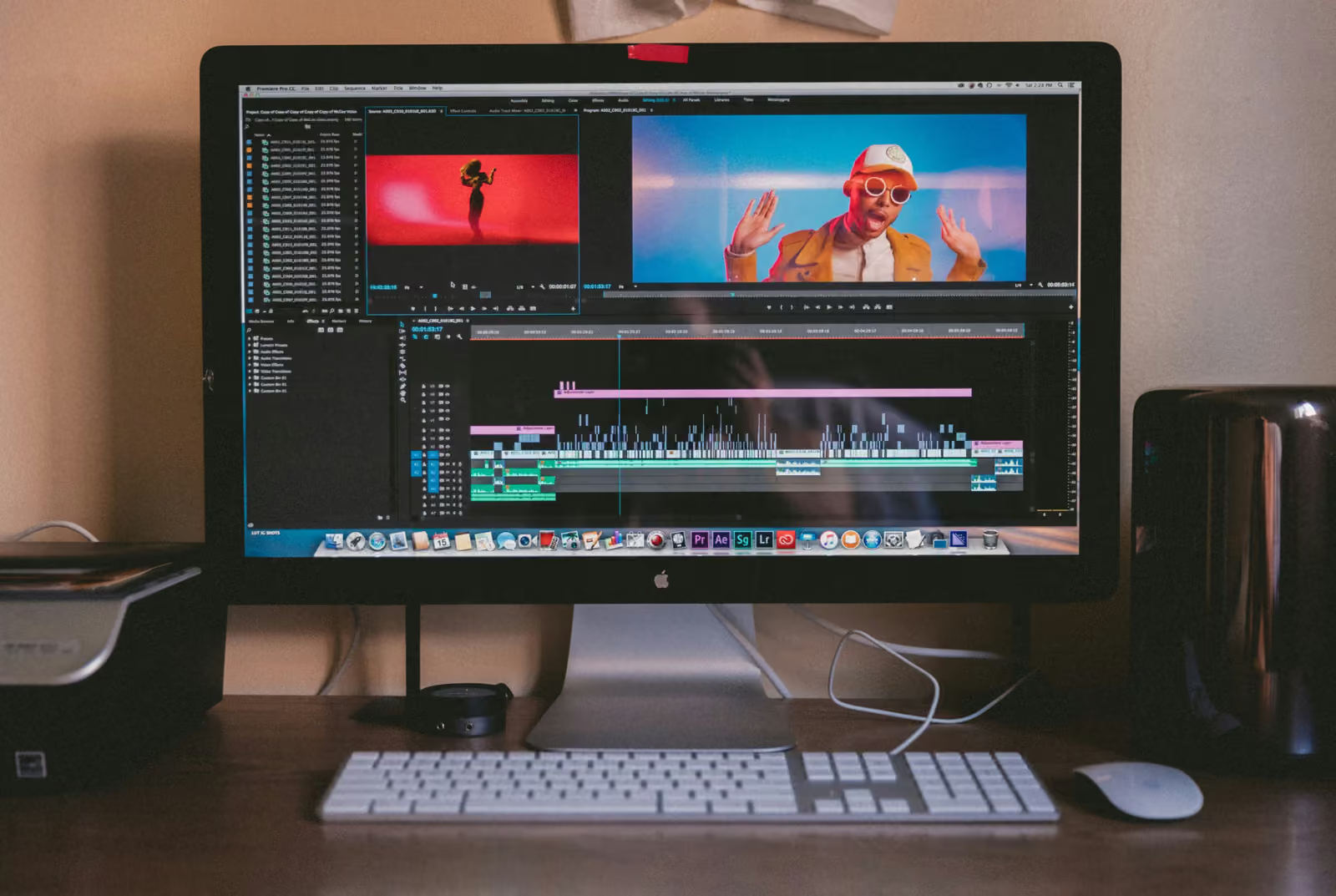
AI video generation tools have advanced at an impressive pace, but which one produces the most realistic results? To answer that question, I put four of the most popular AI video generators to the test: Sora AI from OpenAI, Veo 3 from Google Gemini, Adobe Firefly Videos and Pika Art. I used exactly the same prompt in all of them to compare product realism, camera movement quality, hand physics, lighting and textures. Here are the results.
The standard prompt used in the test
Crea un video de 5 segundos mostrando una botella de agua reutilizable sobre un escritorio de madera en una oficina moderna y luminosa. La luz del sol de la mañana entra por una ventana a la izquierda. La cámara se acerca lentamente desde un plano general hasta un primer plano de la botella. Una mano entra en cuadro desde la derecha y toma la botella. Estilo: video profesional de producto, profundidad de campo reducida, tonos cálidos.
Tools tested:
- Sora GPT
- Gemini Veo 3
- Adobe Firefly Videos
- Pika Art
Evaluation criteria:
- Product realism
- Camera movement quality
- Hand physics (fingers, grip)
- Lighting consistency
- Texture quality (wood, glass/plastic)
- Generation time
- Editing capabilities
Results by tool
Veo 3 (Google Gemini)
The most realistic of them all. It has a few details left to polish, but it came out on top. The movements are very natural, apart from a small glitch in the hand as it holds the bottle and the fact that the sound of the desk doesn't match when the arm rests on it. Beyond that, it's the best of everything we produced. The bottle has a premium finish with a very convincing stainless steel texture, and the warm light coming through the window looks completely natural.
- Editing: No manual editing allowed, only corrections through additional prompts, even in the Pro version.
- Duration: It didn't respect the requested 5 seconds and generated 8 seconds.
Sora AI (OpenAI)
Excellent lighting, beautiful colours, a very warm video, but there are plenty of details to refine. The hand looks a bit odd, but the computer is the worst part: the screen doesn't match the angle of the shot and ends up as a shapeless rectangle. It doesn't look like a computer screen, and that gives away the AI. The bottle has a nice golden reflection and the depth of field works well, but those errors in the background break the immersion.
- Editing: No manual editing of any kind; you can make corrections through prompts but nothing more, at least in the free version.
- Duration: It didn't respect the 5 seconds and generated 10 seconds.
Adobe Firefly Videos
The video looks fairly real. The warm colours are what I asked for, the sunlight comes in from the right spot and the blur is perfect. The problems start when you look closely. The water droplets on the bottle don't look realistic; they could be mistaken for a design detail on the bottle, like decorative studs. Meanwhile, the hand is quite realistic, but it has a lump or something similar on the wrist. The bracelet adds an almost perfect touch of realism, except at the moment it rests back on the desk, where it seems to melt into the surface.
- Editing: There's an editing tab, but it works through prompts only, with no manual editing tools.
- Duration: It didn't respect the 5 seconds and generated 8 seconds.
Pika Art
The video is fine and covers the basics of the prompt: the shadows, colours, lighting and background blur, but you can tell it's not a real person. The hands look plastic, with very stiff movement. On top of that, the video quality is lower than Adobe Firefly and Veo 3; it's similar in quality to Sora AI. Near the end of the video there's a bug with the fingers that finally gives away the AI. The bottle looks correct, but without the level of detail and texture of the premium options.
- Editing: Like the others, it only allows corrections through prompts in its free version.
- Duration: It was the ONLY one that respected the requested 5 seconds.
Conclusion:
Veo 3 was the best of the four, achieving the highest overall realism, with more natural movement and fewer visible errors, which makes the video feel closest to real footage. While there are small details to polish (an odd moment with the hand and the desk sound), they don't compromise the final quality. By comparison, the other models show more obvious flaws in hands, objects or bugs that make it far clearer that AI was used to generate the videos.
| Rank | Tool | Score | |
|---|---|---|---|
| 01 | AKOOL | 4.6 | Read review → |
| 02 | Rask AI | 4.6 | Read review → |
| 03 | Synthesia | 4.6 | Read review → |
| 04 | Gemini Veo 3 | 4.3 | Read review → |
| 05 | HeyGen | 4.2 | Read review → |
| 06 | Canva AI | 4.1 | Read review → |
| 07 | OpusClip | 4.0 | Read review → |
| 08 | Pika Art | 4.0 | Read review → |
| 09 | Predis | 4.0 | Read review → |
| 10 | Simplified (videos) | 4.0 | Read review → |
Key differences in post-editing:
Manual editing capabilities:
NONE of these tools allow manual editing of the generated videos, at least in their free versions and, in Gemini's case, not even in the Pro version.
- Sora AI: No manual editing whatsoever. You can only make corrections through additional prompts, with no access to a timeline, trimming, or frame-by-frame adjustments. Free version.
- Gemini Veo 3: Same limitation - no manual editing, only through prompts. This applies even in the Pro version, which is surprising given the level of quality it produces.
- Adobe Firefly Videos: Although it has an "editing" tab, it's only for corrections through prompts. There are no traditional video editing tools.
- Pika Art: Same as the others - prompt-based editing only in its free version.
Practical implications:
This means that if the video doesn't come out perfect on the first try, your only options are:
- Regenerate it completely with an improved prompt
- Export it and edit it in external software (Adobe Premiere, DaVinci Resolve, etc.)
For users who need fine adjustments (trimming, colour correction, adding elements), this adds an extra step to the workflow. The lack of basic tools like trimming is especially problematic when the tools don't respect the requested duration.
Which one should you choose?
Depending on your priority, each AI video generator has its strength:
- For maximum realism (when the video is the final product): Veo 3
- For the best lighting and overall aesthetics: Sora AI
- For a balance between quality and sticking to the spec: Pika Art (the only one that respects duration)
- For integration with the Adobe workflow: Firefly Videos
All of them require external editing if you need fine control over the final result.