

Eigent AI Review
Eigent is an open-source desktop app that puts a team of AI agents to work across your browser, terminal and files, with your own model keys if you want them.
Eigent stands out by letting you pick whichever AI model you want, run everything on your own machine and audit every line of the code that touches your data. Few rivals can match that combination, and it counts for most in professional firms, consultancies and any business handling sensitive client information. On the other side of the ledger sit execution that can drag and a handful of technical requirements.
Our recommendation: if someone on your team is unfazed by technical setup, Eigent delivers power that is hard to match at no license cost. If you want something easy to use and ready the moment it installs, look elsewhere.
Averaged from the breakdown below
- Agencies and consultancies working through high volumes of mixed document types.
- Businesses in regulated sectors where data cannot leave their own infrastructure.
- Development teams that want agents reviewing code, debugging and writing documentation.
- Organizations that schedule recurring reports to run unattended and would rather tune inference parameters themselves than live with the defaults.
- Freelancers with no technical background and no time to set up folders, models and connectors.
- Businesses that run customer relationships over WhatsApp and expect a native connection.
- Companies that need accredited security certifications to get through procurement.
- Anyone expecting instant results on enormous jobs without planning their consumption.
Key features
- Cross-platform desktop application: installers for macOS (version 11 or later), Windows and Linux, plus the full source code in a public repository for anyone who would rather self-host.
- Layered workspaces: work is organized into spaces, projects, tasks and triggers.
- Local context and built-in preview: you point the agents at the folder holding the material for the job and they work on it there, with browser, file, canvas, terminal and review tabs sitting next to the conversation in a resizable panel.
- Automations with guardrails: one-off, daily, weekly, monthly or cron based triggers, plus HTTP endpoints and application events, with hourly and daily run limits, a ceiling on consecutive failures and an expiry date.
- Remote control (Dispatch): a shareable web session for sending instructions to an active space from another device.
- Browser automation: a connection over Chrome's CDP protocol that either opens a clean window or picks up a browser where you are already signed in.
- Skills: reusable packages for text documents, PDFs, presentations and more. You can build new skills and run code security audits on them, set permissions agent by agent, and install from a public catalog.
An SME that spends two hours a day consolidating reports can hand that job over entirely. And anyone sitting on years of accumulated files can skip the cleanup that usually comes first, because Eigent takes mixed formats as they are and never asks you to convert anything.
The legal sector shows the savings clearly. Legal AI platforms almost always run in the cloud, charge per user and tie you to the provider's own content. Eigent flips that: rather than one more subscription, its agents drive the tools the firm already pays for, from the document management system to the contract platform or the internal wiki. No per seat fees, confidential case files never leave your own infrastructure, and you can move between commercial and open weights models as you see fit. The MCP ecosystem already covers electronic signature and document management through tools such as DocuSign and NetDocuments. The same logic carries over to HR and customer service: where a system already exists, Eigent operates it instead of replacing it.
AI features
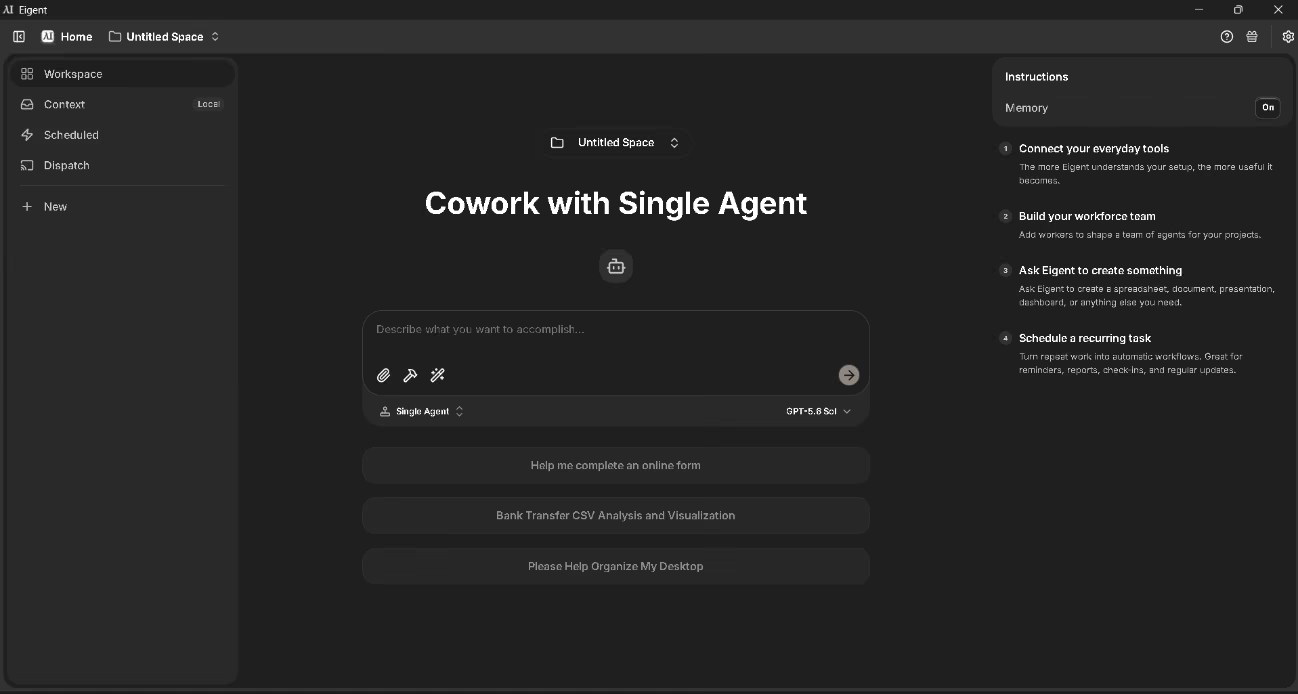
- Two operating modes: a single agent for direct jobs, or a workforce that divides the job among several agents and runs them in parallel.
- Automatic task decomposition: the system analyzes the instruction, identifies the independent units of work and hands each one to the right agent, without you stepping in.
- Specialized agents: development, documents, browser, multimodal analysis and mobile phone, each with its own toolkit.
- Visual interface operation: agents read the screen and interact through clicks and keystrokes, which lets them handle internal systems that have no API.
- Multimodal analysis: interpreting video and images to extract structured information.
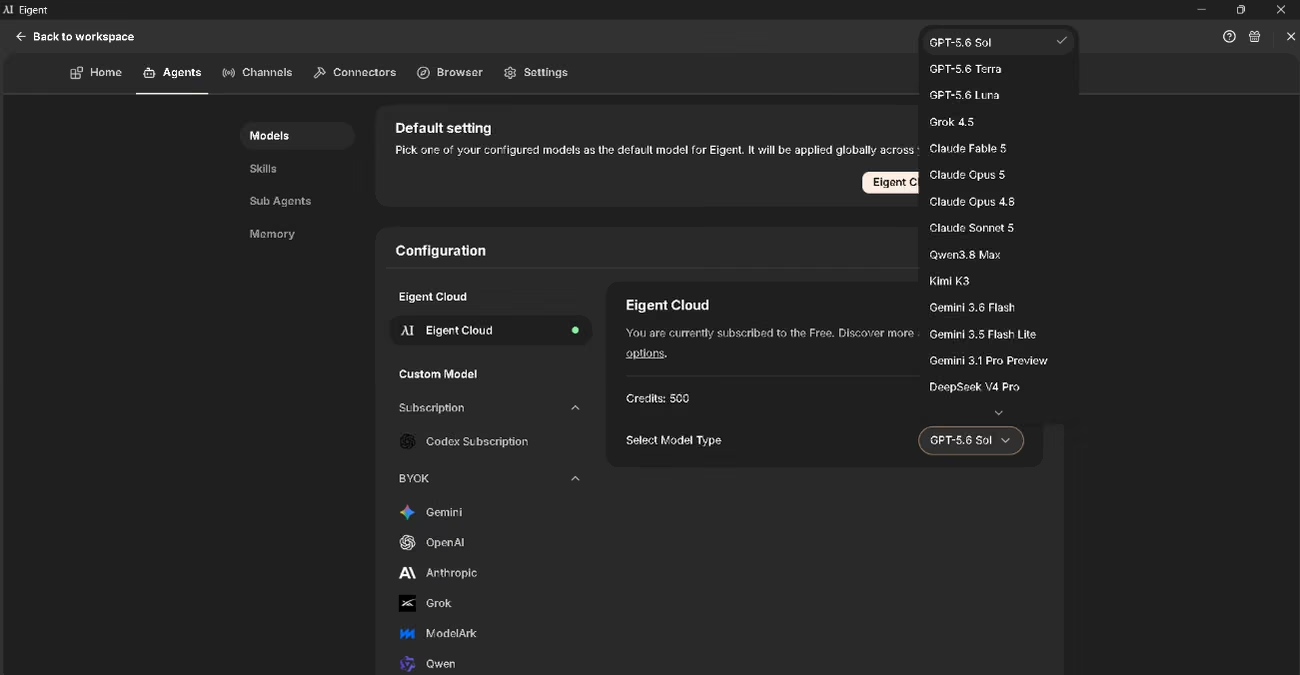
- Model assignment per agent: low-cost models for simple tasks, advanced ones for complex reasoning.
- Contextual memory you can switch on: a toggle on the main screen decides whether the system keeps context between sessions.
- Deliverable generation: spreadsheets, documents, presentations, HTML reports and working code, all from a single instruction.
The real intelligence here is not in the writing or the scheduling. It is in the planning. Give Eigent something complex and it restates your constraints for every subtask, adapts traceability to the file format, and detects the language of each source in order to preserve it through extraction. Nothing in our instruction told it to do any of that.
That behavior has academic roots. CAMEL-AI, the framework behind the application, began as a research project whose output appeared at leading conferences, and the workforce concept Eigent sells grew out of that same line of research.
Integrations
- Cloud model providers: the model families from Google, OpenAI, Anthropic, Grok, Qwen, Deepseek, Mistral, Moonshot, Minimax, SambaNova, Ernie, Z.ai and ModelArk.
- Platforms and routers: AWS Bedrock, Azure, OpenRouter, OrcaRouter, Nebius Token Factory and any service that speaks the OpenAI standard.
- Local inference servers: Ollama, vLLM, SGLang, LM Studio and LLaMA.cpp.
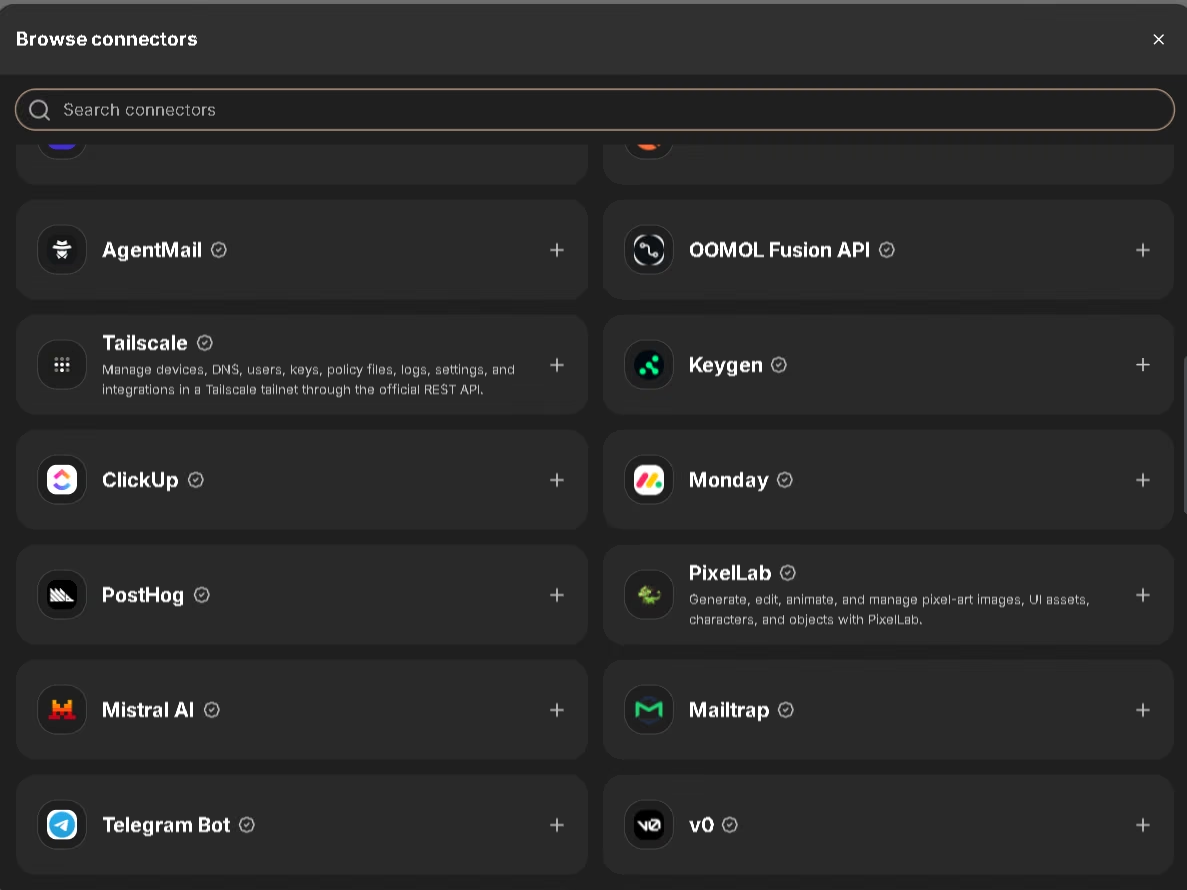
- Published plugins: GitHub, Playwright and Slack, all three over the Model Context Protocol (MCP).
- Connector Gateway: a provider agnostic layer that pulls in hosted integrations and offers them to the agents whenever a new task starts.
- Custom MCP servers: you can add any external service by hand, simply by pasting in its configuration object.
- Web search: a search connector you can switch on from the connectors page itself.
- Inbound HTTP endpoints: entry points that let external systems kick off tasks.
The vendor has announced integrations with WhatsApp, Telegram and Lark, which would let you brief Eigent from your phone by message. Until then, a technical team can close the gap by standing up its own MCP server or letting the agent drive the web version of the service.
Security and data compliance
Run Eigent locally and both ownership and control of the data stay with you. The company says it stores nothing it processes inside your environment: not instructions, files, outputs, terminal logs or browser automation content. What it does keep is the license key, a cryptographic value the installation generates, administrative contacts and an error log you can switch off. In the cloud it does process content, though only as far as delivering the service requires, and it encrypts provider settings and credentials as it stores them. The company does not use identifiable customer data to train models, though it claims ownership of aggregated data along with the right to exploit it.
The company keeps its headquarters in the United Kingdom and covers its international transfers under the EU standard contractual clauses, the UK international data transfer agreement and the EU to US privacy framework. It reports security breaches within 72 hours and answers rights requests within a month. The enterprise offering mentions single sign-on, role based permissions and audit logging, though it has yet to reach the maturity of established commercial platforms.
Two responsibilities fall to you. The first is securing your own infrastructure when you deploy locally. The second is taking extra care with agents that hold real credentials: give them accounts with the minimum permissions they need, review the commands custom servers issue, and switch off any connector you are not using.
Language: customer support and interface
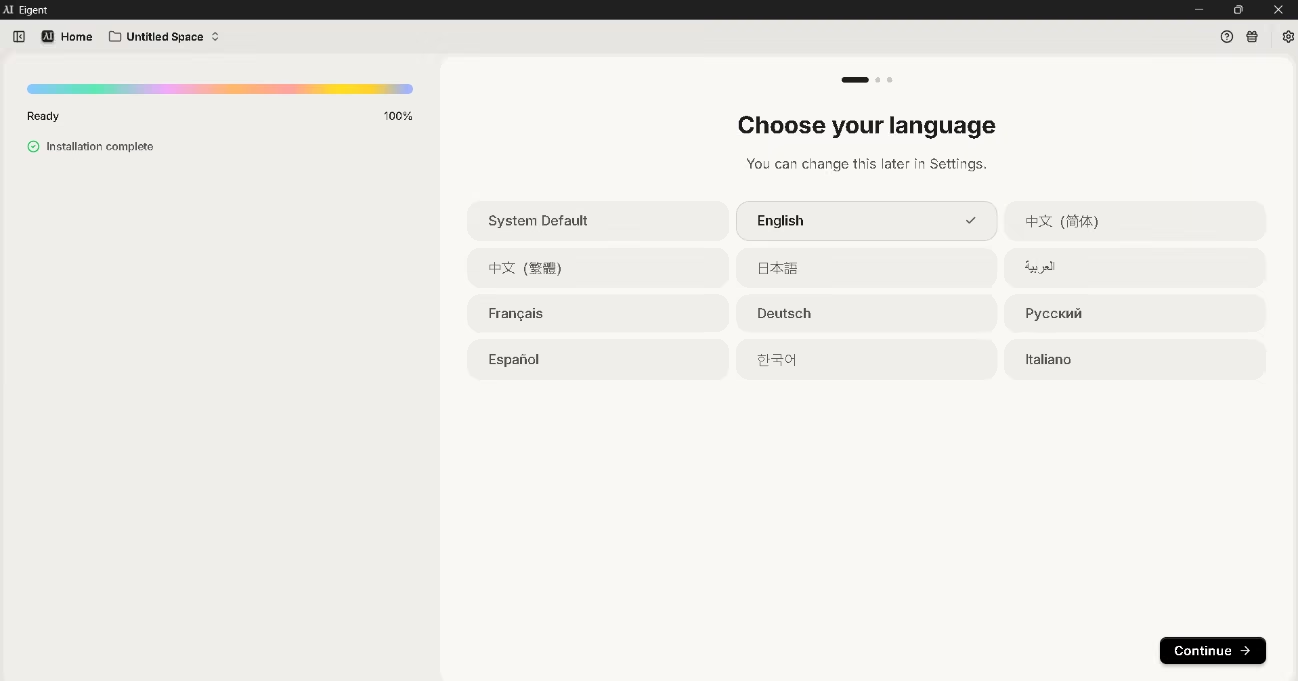
The installer offers ten languages, English, Spanish and French among them. The list is generous; the execution less so. Switch to Spanish and you get a partial translation. The technical documentation exists in English only, even when you reach it through the Spanish paths of the site. Support runs mainly through email, YouTube and Discord.
AI language
Language ability comes from the model you connect, not from the tool itself. Choose a provider that performs well in Spanish and your agents will work in Spanish to that same standard. Eigent accepts instructions in any language the model understands, and it adds no translation layer in between.
Our test made the point nicely. Processing a mixed set of sources, the system spotted the Spanish documents on its own and told the relevant subtasks to preserve the original language, a condition it left out of the subtasks covering English files. Nobody had asked for it. For any business working with bilingual documentation, that instinct heads off the quiet contamination that creeps in when documents get translated during extraction.
Mobile access
Eigent has no dedicated mobile app for iOS or Android, and that is worth knowing before you commit. Two routes in from a phone do exist, but neither is a substitute for the desktop version.
The first is remote control. You open a session in the application, copy a link and load it on the device, which is enough to send follow-up instructions to a task already running. The second involves adding an external server by hand. From there the agents take over a connected phone: they open apps, read the screen and tap their way through the interface without touching an API. It works with real devices, simulators and emulators on both systems, and it is genuinely useful for automating closed applications, though it takes manual setup and your desktop machine has to stay switched on.
Support, onboarding and account management
- One support channel: email covers billing questions, receipts and general help, with a stated turnaround of 24 to 48 hours on business days.
- An active community: a Discord server and a public repository where issues get raised and you can follow development.
- Learning material: official documentation, a blog with step by step use cases, and detailed release notes.
- Guided onboarding: open the application for the first time and a four-step sequence walks you through connecting tools, building your agent team, asking for a first deliverable and scheduling a recurring task.
- Exportable diagnostics: the support dialog pulls down application and task logs, which shortens any technical exchange.
- Account management: paid plans move you up the support queue, and the enterprise tier adds dedicated follow-up.
There is no phone support. An SME without technical staff will find less of a safety net here than on the more commercial platforms.
Ease of use and UX
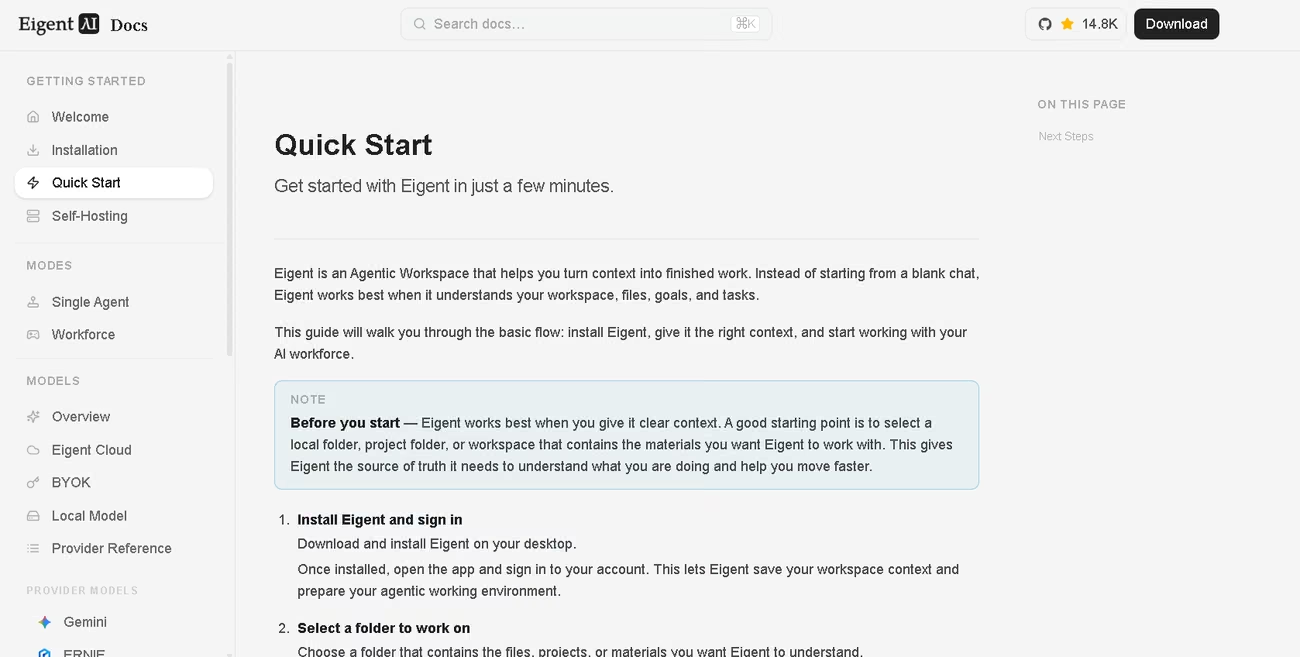
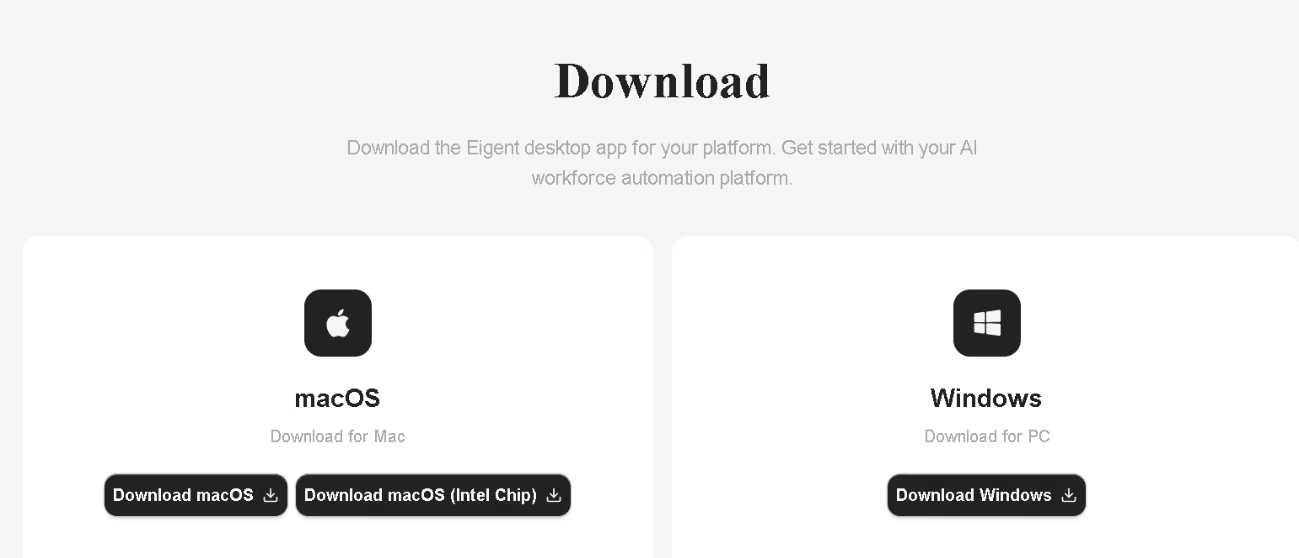
Installation puts nothing in your way: download the installer for your system, run it, sign in, exactly as with any desktop program. Self-hosting from the repository is another proposition entirely, calling for Git, a Node.js environment at specific versions, whichever Python version the project requires, containers for the PostgreSQL database and credentials from at least one provider.
We tested the Windows version. Startup moves through three short screens: language, appearance (light, dark or system mode, with four in-house themes) and the workspace background pattern, previewed in real time as you choose. These are the details that let you tailor a tool you will be spending hours inside.
The memory toggle lives in the top right corner, with no menus in the way. Creating an automation is just as direct: name, instruction, type, frequency, time and optional guardrails, followed by a preview of the upcoming runs before you save. You do not need to master cron expressions to keep a weekly report running. We tried a simple integration with no advanced configuration and it worked straight away.
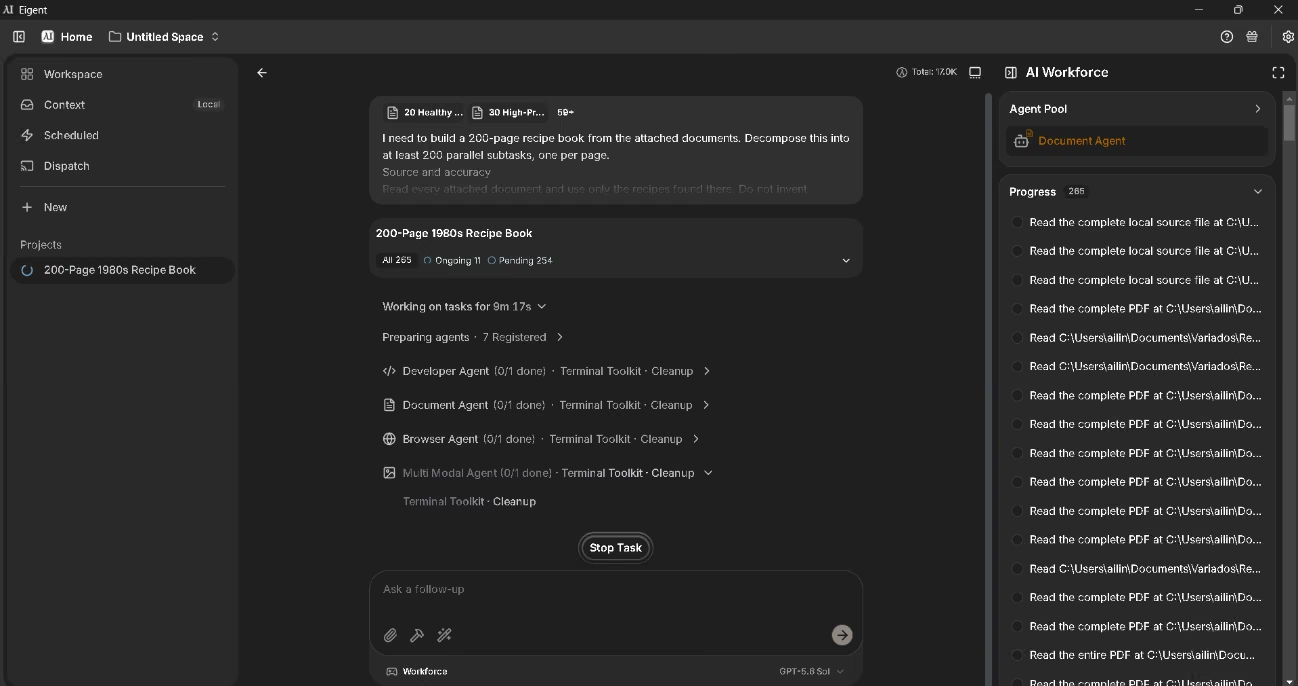
Then we uploaded 56 documents across several languages and mixed formats, some of them long. The application took all of them, turning nothing away on size or type. Our instruction, written in English, asked for one 200-page document in English pulling all the information together. The planning held up well, though the agent reinterpreted our instruction: instead of one subtask per page, it split the work by source document and produced 265 units, with our editorial constraints carried all the way down. That call is defensible, since paginating before you know how much content the sources hold is impossible.
Execution was slow, and the job used up all 500 free credits across six tasks and two separate projects. The process itself was methodical and orderly.
Pricing and plans
Eigent bills by task credits rather than per user, and paying annually gets you two months free against the monthly rate.
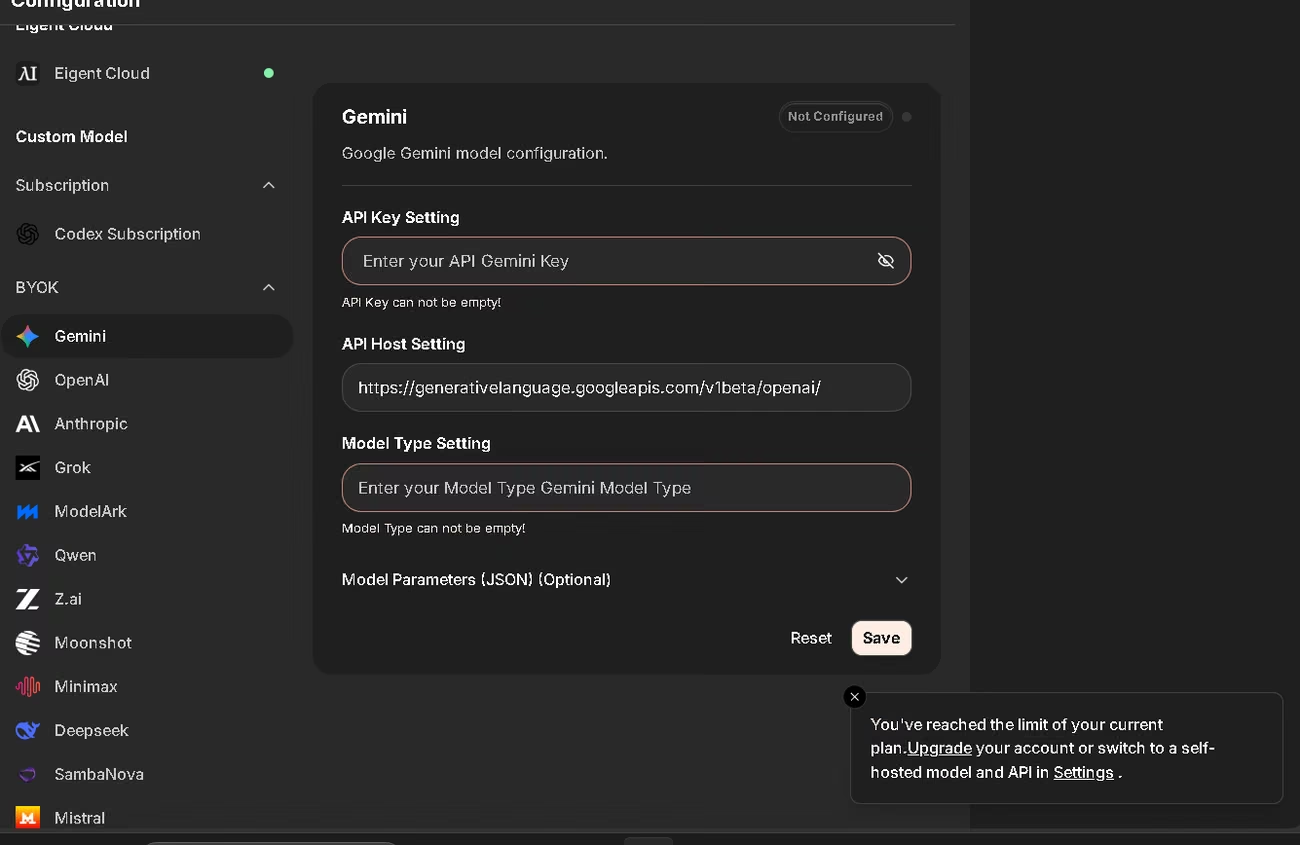
- Free: the full download, with 500 registration credits and another 200 for every invitation accepted, going to the person inviting and the person joining alike. Its best feature is easy to miss: credits only burn on the vendor's managed models, so plugging in your own keys or a local server takes that limit away completely. Support comes from email and the community.
- Plus: a monthly credit allowance, a seven day free trial with a daily cap, and priority on email support.
- Pro: a bigger monthly allowance for heavy use, the same free trial, and high priority user support.
- Teams: announced as coming soon, with a shared library of chats, commands and rules, centralized billing and seat management.
- Enterprise: terms built to fit, covering local deployment, specific integrations, custom training environments, purchase order billing and account management.
- Open source: host it yourself from the repository at no license cost, bringing your own keys or inference infrastructure.
The account dashboard tracks consumption against your current allowance, counts storage, queries and documents generated, filters by day, week or month, and exports the history straight into a spreadsheet.
The free credits will get you through an evaluation, but they can come up short on a large scale project. Worth noting too: the vendor says it channels a tenth of every subscription fee back into the open source community that keeps the project going.
Case study
Eigent can turn a sales spreadsheet into an analytics report using Kimi family models, comparing each salesperson by order count, revenue, average value and conversion rate. It will also import support requests and produce a statistical report without you touching the interface, or take on something as unusual as building a 3D martial arts video game from a video.
We'll dwell on a more advanced case, keeping in mind that it is a workflow demonstration rather than a real deployment.
The brief called for a page that escaped the generic look of the sector, built around an identity the author christened Neural Industrial. She set the constraints: a dark background, high contrast accents and a mix of serif and monospaced type. Then she handed the agent an instruction laying out the design philosophy and the interactive modules required. Eigent resolved the architecture in a single file, added noise texture and a masked grid for depth, programmed the elements to appear in staggered sequence, and built a slider that alters the animations and the simulated data flows.
Her conclusion captures the value of the tool. She never had to specify a single color code or animation duration, because the design skill grasped the principles and filled the gaps between vision and implementation. The achievement is not generating code. It is turning an abstract aesthetic direction into a coherent technical architecture.
You can read the case study here.
Videos
Eigent vs alternatives
| Eigent | Claude Cowork | Sintra AI | |
|---|---|---|---|
| Approach | Open source multi-agent workforce | Desktop assistant built into the vendor's ecosystem | Twelve assistants, each specialized by business area |
| AI models | Any commercial or local provider, and a different one per agent | The vendor's model family only | Built on the Claude family, with no choice for the user |
| Getting started | A simple installer, or self-hosting if you have the technical profile | Download the application and point it at a folder | Nothing to set up, it runs in the browser and on mobile |
| Data location | Fully local, model included if you want it that way | Local isolation, with processing in the vendor's cloud | Processing in the provider's cloud |
| Software cost | Free, you pay only for model usage | Monthly subscription per user | Monthly subscription with a money back guarantee |
How to choose. Go with Eigent if technological independence and confidentiality matter to you and you have the technical profile to support it. Cowork if you want agent capability ready to use without maintaining infrastructure. Sintra if you run an SME with no technical team. Skip the first two altogether if administering desktop software holds no appeal, in which case a managed platform will serve you better.
FAQs
Is Eigent a good option for SMEs?
Yes, as long as someone on the team is comfortable in technical environments. The free model and local execution make it especially appealing for businesses handling confidential information.
Is Eigent multilingual?
Partially. The interface ships in ten languages, but the translations are incomplete and the documentation exists in English only. The agents are a different matter: connect a model that handles your language well and they will work in it without restriction.
How much does Eigent cost, and is there a free version?
The software is free and open source. You can host it yourself at no license cost using your own keys, or take the free plan with its registration credits. Paid plans add monthly credit allowances and a seven-day free trial.
What are the best alternatives to Eigent?
Claude Cowork if you want a polished product with deep integrations, Sintra AI for SMEs with no technical profile that need all round automation, and managed agent platforms for anyone who would rather stay out of infrastructure altogether.
Do I need technical knowledge to use Eigent?
To install and use the desktop application, not much. To host it yourself, configure custom servers or adjust inference parameters, yes.
Still weighing up Eigent?
See how it compares with the other tools we've reviewed in AI Agents.