
Google Antigravity Review
Google Antigravity deploys autonomous agents that plan, write, run and verify software across an editor, a terminal and a browser, rather than suggesting lines of code.
Using Google Antigravity means working in a way where AI agents no longer just respond but pursue a goal: they plan, use tools, and carry out entire tasks with little supervision. Its greatest strength is coordinating several of those agents in parallel from a single place, across desktop, terminal, and SDK.
That said, the interface is English-only, the usage quota can drain fast, and, since it's still a preview product, it comes with some rough patches. The upside is that you don't need to code to get started: it works like a chat where you spell out what you want, and technical know-how simply lets you push it further and take full control. We'd recommend Google Antigravity to anyone who wants to experiment at no cost, especially SMEs already settled into Google's ecosystem.
It's also especially valuable in the scientific field, where its specialized skills shrink research that would take hours down to minutes. As with any AI tool, how well it performs comes down to the user, the use case, and the budget.
Averaged from the breakdown below
- Professionals and teams who want to delegate and coordinate several agents from a chat, with or without programming knowledge.
- Non-technical roles in areas like marketing, communications, or management who want a collaborator to extend what they can do.
- SMEs already integrated into Google's ecosystem (Cloud, Firebase, Android, AI Studio).
- Research teams and science-focused organizations looking to speed up work in biology and chemistry.
- Developers (frontend and full stack) who value verifying their work with visual evidence and browser-based tests.
- Teams that need the interface in their own language, since for now it's English-only.
- Businesses on a tight budget with heavy usage, given how unpredictable the quota is.
- Anyone who needs mobile apps or has to work from a phone.
- Anyone after a tool that's already stable and would rather skip the rough edges of a preview.
Key features
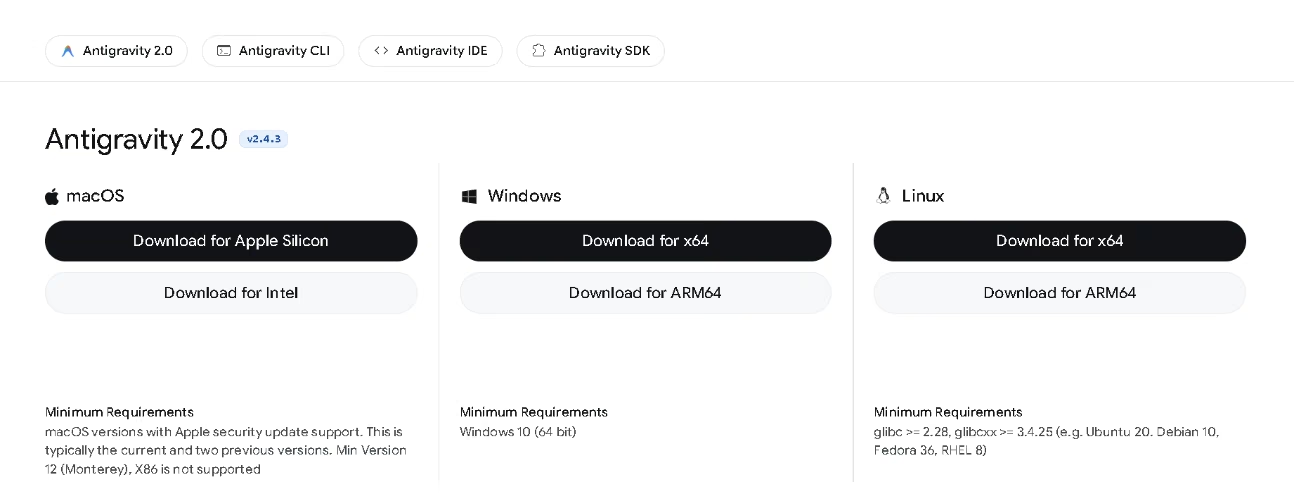
- An ecosystem of four surfaces: the Antigravity 2.0 desktop app, a terminal CLI, a Python SDK, and a full IDE.
- A command center to launch, monitor, and coordinate several local agents in parallel.
- Projects that group folders and conversations, each with its own isolated settings and security permissions, plus standalone agents for one-off tasks.
- Native support for Git worktrees (isolated working branches), which the tool creates and cleans up on its own.
- Scheduled tasks via cron that run background routines without any manual input.
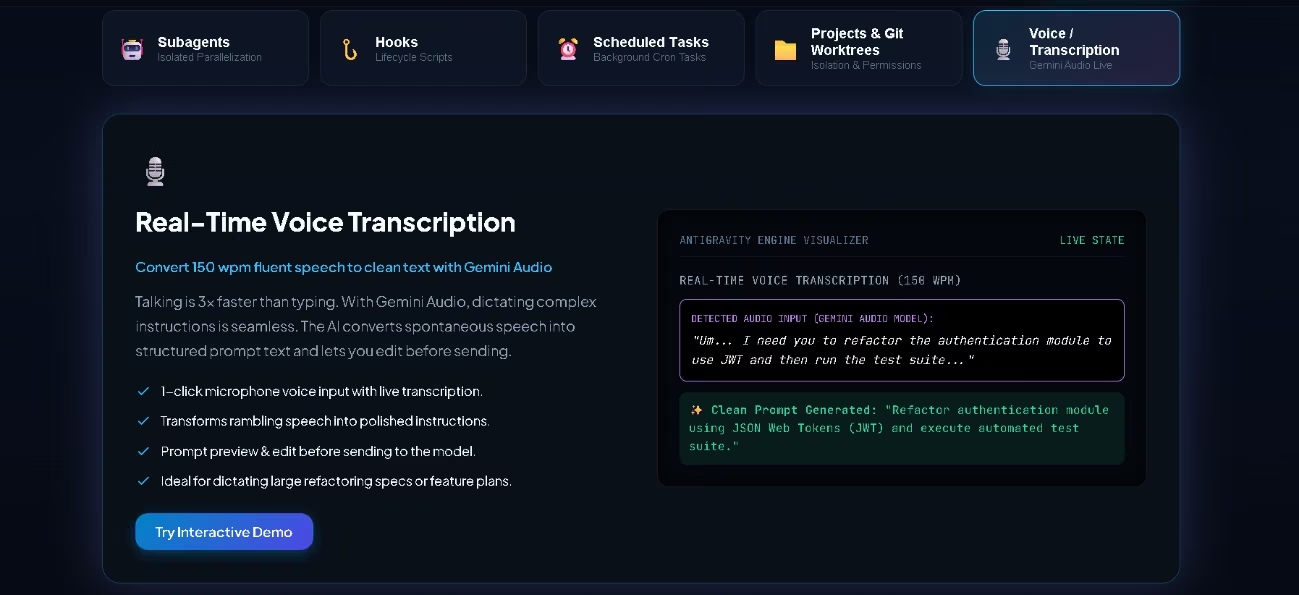
- Live voice transcription, so you can dictate instructions instead of typing them.
- Artifacts: visible deliverables like task lists, plans, final walkthroughs, and browser screenshots and recordings, which you review and comment on the way you would a document, right alongside the generated files, all from a side panel and without a separate editor.
- Configurable skills, MCP servers, and hooks, either global or per project, to shape how the agent behaves.
- Cross-platform availability on Windows, macOS, and Linux.
For an SME, this feature set adds up to saved time and money. A small team can hand off routine work, leave tasks running in the background while it focuses on what matters, and check the results without reading the code line by line. Scheduled tasks take care of routines like daily summaries or periodic checks on a deployment, and the agent only comes back to you when it genuinely needs your input. When you want to take the wheel, jumping from the agent manager to the editor is direct, and skills let you set your own standards once and reuse them later.
AI features
Every agent platform rests on three pillars: memory to hold context, orchestration to plan and coordinate the work, and verification to check the results. Google Antigravity covers all three, and builds its most powerful features on top of them.
- Autonomous agents that plan, write, run, and verify entire tasks across the editor, the terminal, and the browser.
- Subagents: the main agent spawns and coordinates specialized or general-purpose helpers that inherit its permissions and work in parallel, kept isolated so they don't clutter its context.
- Asynchronous handling: long operations, like installing dependencies, move to the background and never block your work or the interface.
- Agent teams in research preview: several subagents with defined roles team up on complex tasks. Google showed this off by building a working operating system from scratch based on a single instruction.
- Autonomous browser use, so the agent can test its own code.
- A knowledge base where the agent stores context and handy snippets to get better at future tasks.
- Progressive disclosure through skills: the agent only loads specialized knowledge when the task calls for it, which cuts down on noise and cost.
- Your pick of model between Google's Gemini family and third-party options, including Anthropic's and an open-source model from OpenAI.
The genuinely clever part is how it brings those three pillars together: parallel multi-agent orchestration, the autonomous loop of planning, executing, and verifying, and the memory that keeps what it learns for the next task. That reaches well past autocomplete and inline commands, which land closer to what a conventional assisted editor already gives you.
Integrations
- Google ecosystem: export whole projects from Google AI Studio with all their context, plus Firebase (Firestore, Cloud Functions), Android (editor extension, CLI, and skills), and Google Play, along with Chrome and the web for autonomous research and testing in the browser.
- Science: a Google DeepMind skills pack that hands agents access to models and to more than thirty specialized scientific databases.
- Google Cloud through the Gemini Enterprise Agent Platform, which links the tool to Google Cloud projects.
- Google Workspace, whose APIs the agents can call natively.
- MCP (Model Context Protocol) servers, local or remote, with per-project control over which tools are allowed.
- Skills packs by area that you pick during onboarding and swap out later in the settings.
- API and SDK: you get programmatic access to the agent through the Gemini API and a Python SDK.
Programmatic access isn't just available here, it goes further than usual: on top of the Python SDK, the Gemini API lets you spin up managed agents that reason and run code in isolated environments, with states that carry over from one call to the next. Its integrations do lean toward development and Google's ecosystem, though, rather than the business messaging channels that are popular in the region, like WhatsApp. And using third-party software to sign in with your Antigravity account breaks the terms of use; for external agents, Google recommends a Vertex or AI Studio API key.
Data security and compliance
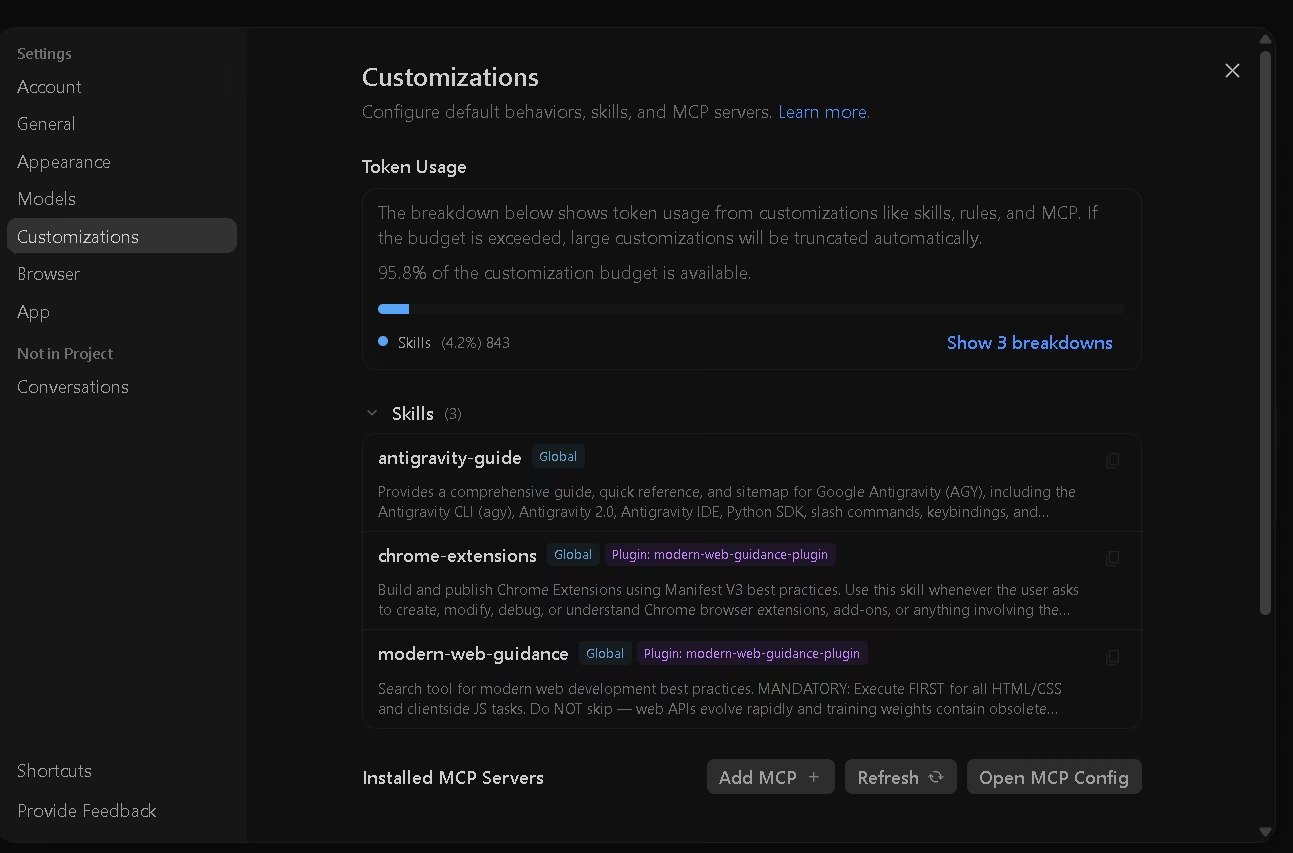
Control over sensitive actions runs on a unified permissions engine with three levels: deny, ask, and allow, and a denial always wins out. By default, the agent reads and writes inside the active project's folder, but it checks with you before running commands, browsing the web, using external tools, or touching files outside the project. That conservative-by-default approach, together with the fact that much of the work runs on your own machine, gives you granular control over what the agent can do, with permissions you can set globally or per project.
You can turn off data collection in the settings whenever you like. For enterprise use through Google Cloud, the tool inherits that cloud's standard privacy protections and, according to Google, corporate data isn't used to train the models. You authenticate with your Google account.
Language – Customer support and interface
The program's interface, menus and settings panels included, is available only in English for now. The documentation is localized into several languages, among them Spanish, English, and Portuguese.
AI language – The tool itself
Google Antigravity's AI is multilingual and juggles several languages with ease. In our tests it understood instructions in Spanish and produced solid content in Spanish, English, and Japanese.
Mobile access
Google Antigravity doesn't offer dedicated mobile apps for iOS or Android. It ships as a desktop app for Windows, macOS, and Linux, and as a CLI for the terminal. As it stands, it isn't a practical choice for anyone working purely from a phone or tablet, since reviewing artifacts, managing projects, and the terminal all call for a desktop computer.
Support, onboarding, and account management
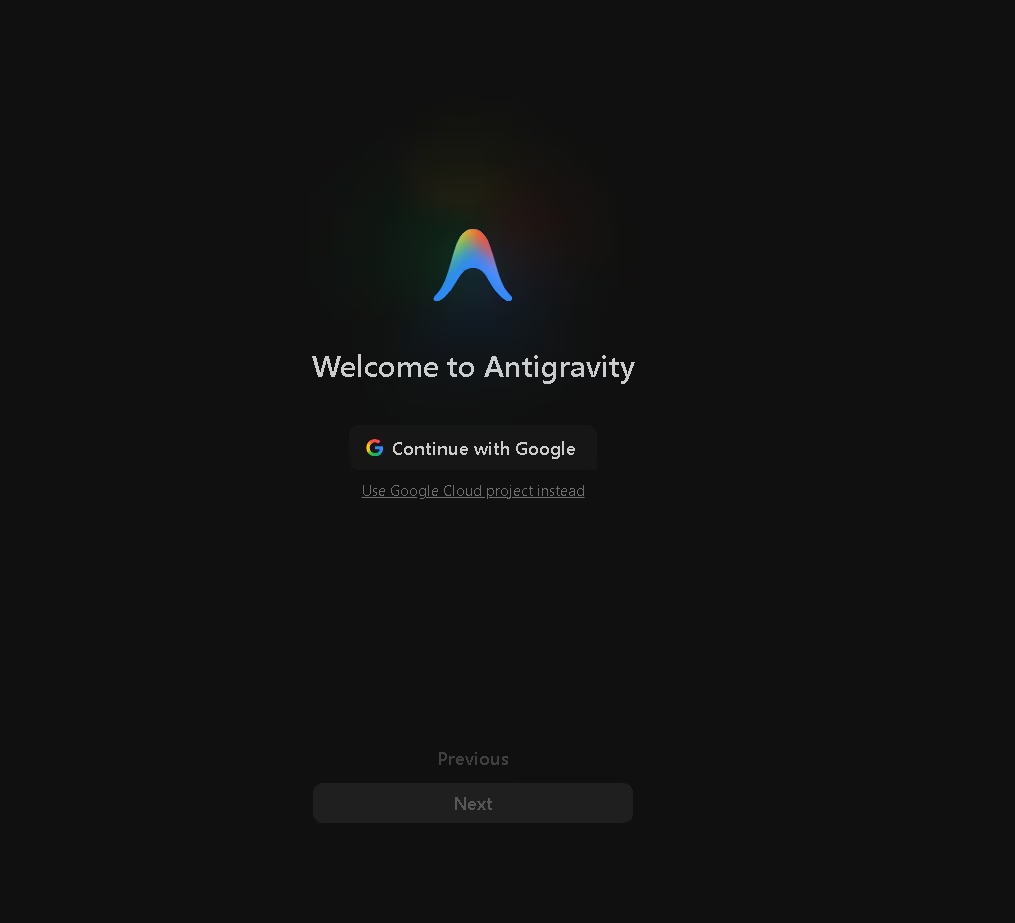
- Onboarding is straightforward: you download the app, authenticate your account, accept the usage policy, and choose what you want to build, with options like Android, Web, Science, Firebase, or Chrome. The tool makes clear you can change that choice later in the settings.
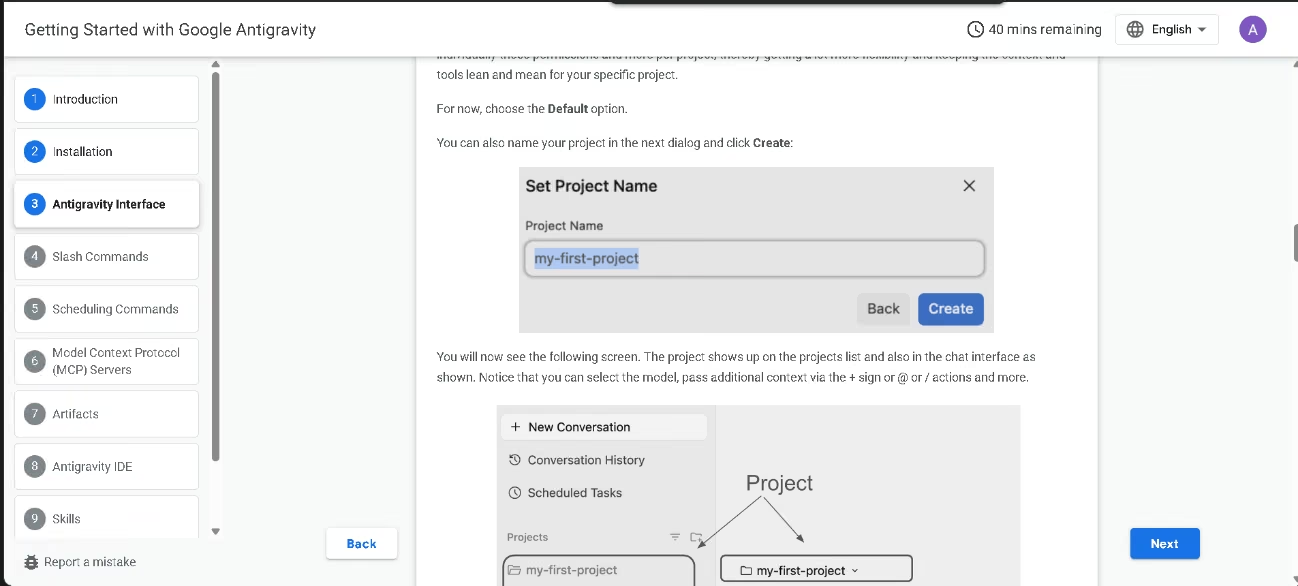
- There's full documentation, getting-started guides, and how-to tutorials in English, Spanish, and other languages.
- A built-in guide skill answers questions about the tool right inside the product.
- The official YouTube channel and the communities on the support page offer extra backup.
For enterprise use, access and support run through Google Cloud.
For SMEs with little technical experience, the way in is welcoming: because it runs through a chat, you can start without knowing how to code, and technical know-how simply helps you get more out of it.
Ease of use / UX
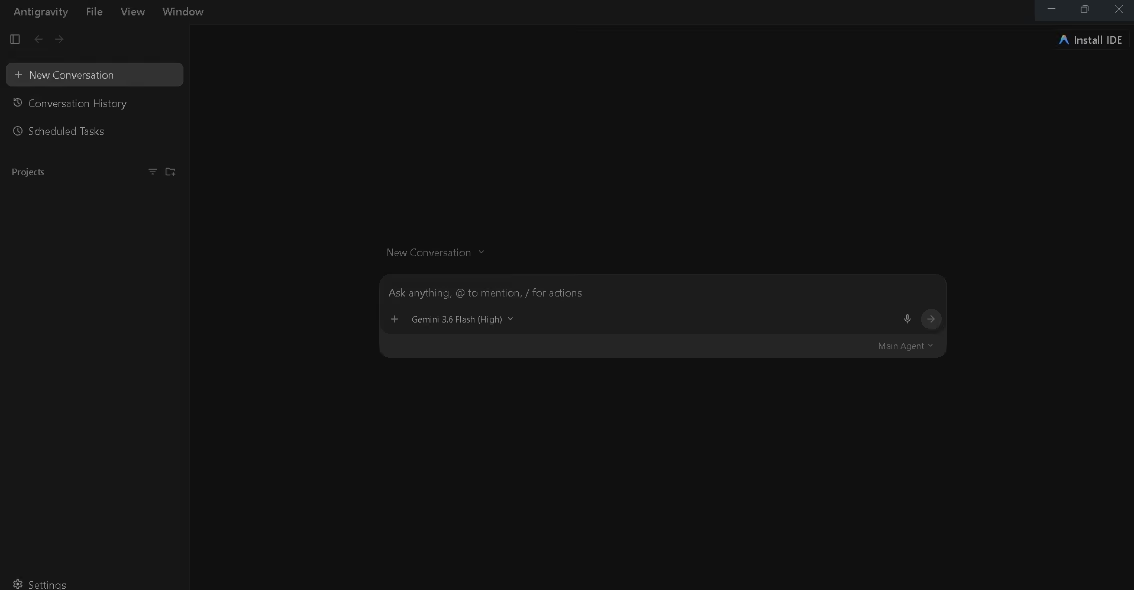
We found the interface simple and easy to follow: a left sidebar with your project history and settings, and a wide chat in the center, much like most AI tools. The settings pull almost everything into one place: agent behavior, voice, skills, integrations, and security.
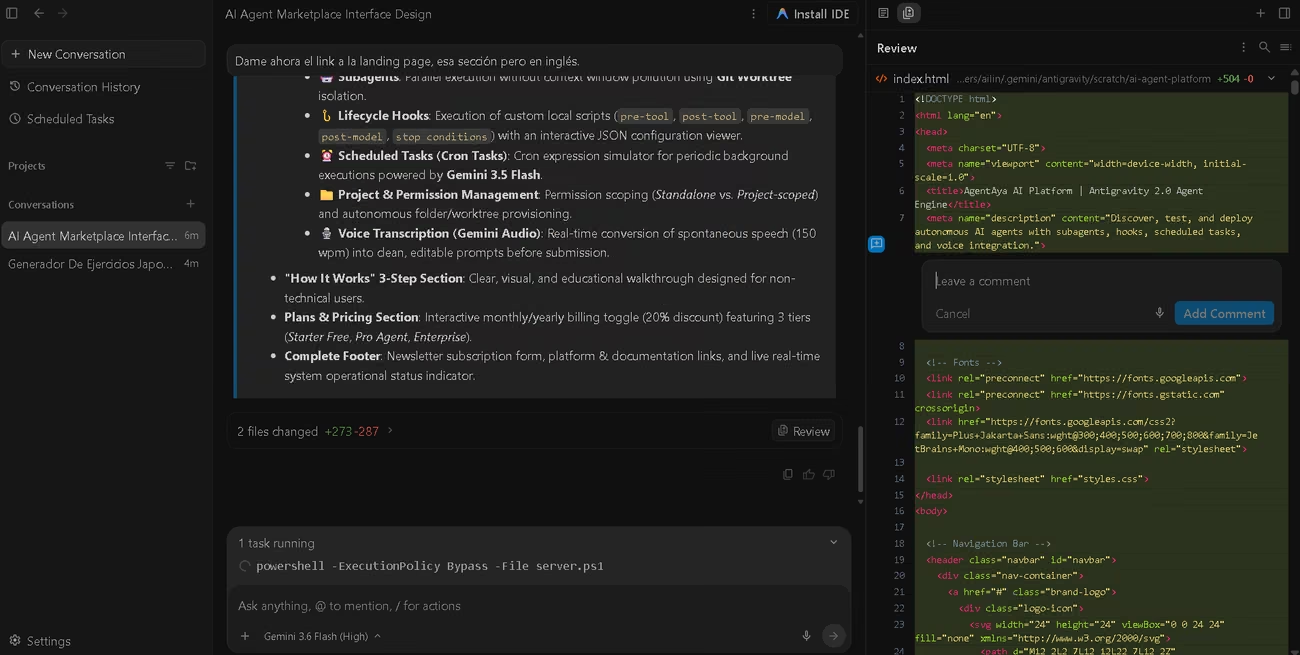
To test its design chops and its handling of language, we gave it two prompts, one in English and one in Spanish. For the first, we fed it several technical articles about the tool itself and asked it to build an interactive interface following certain style specifications.
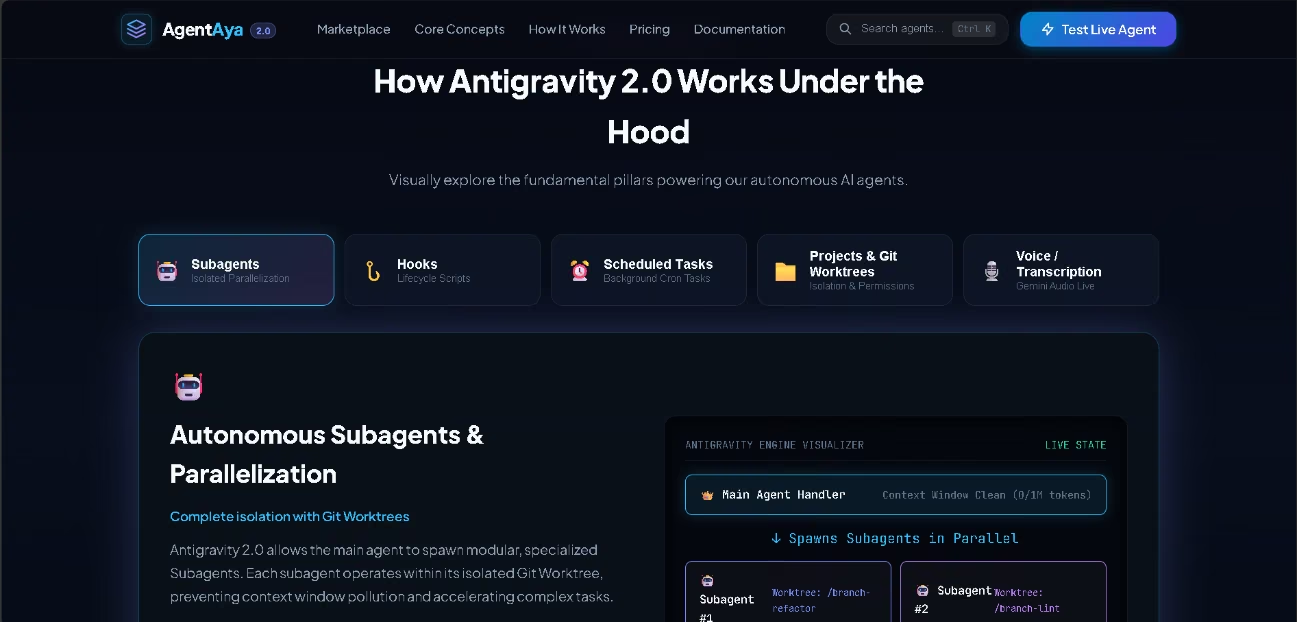
For the second, working from a different set of information, we asked it to generate interactive educational exercises. This time the agent produced visual and audio exercises of excellent quality, staying true to the material we'd handed it.

The agent built both interfaces, followed every instruction, and worked fast, with a really polished visual result; from the right-hand panel, we could watch and comment on the code as it went.
At each step, the tool asks for the decisions it needs and leaves control in your hands. What takes some getting used to is the asynchronous workflow: as we noticed, and as Google itself admits, you stop feeling completely in charge. The good news is you don't need to code to get value here: because it's a chat, it works even for non-technical users who want a collaborator to help them write, brainstorm, or structure their work, while a technical user can reach full control with MCP servers and advanced settings. Two notes from our own experience: the older IDE can coexist with Antigravity 2.0 and even run at the same time, though the update process still has bugs; and while an agent is working, the tool keeps your computer awake so the task doesn't get cut off. One last tip, and it always holds true: the more precise your instruction, the better the result. It met every spec we gave, from the color palette to the information we supplied, but because these were open-ended prompts with defined data yet no limits or context, it filled the interfaces with a bit of invented data instead of leaving blanks.
Pricing and plans
- A free version for individuals, in public preview, with unlimited autocomplete and command requests plus basic weekly quotas.
- Paid plans with more generous limits and a flexible pool of AI credits; the top plan adds more capacity for heavy use.
- A plan for organizations through Google Cloud, billed by usage under that cloud's terms.
- Monthly subscriptions, handled within Google's AI plans.
The free version is a sensible way to try Google Antigravity without spending a cent, which is a point in its favor on value for a curious SME. The thing to watch is the quota: with heavy use, credits can run out fast, and that makes the cost hard to predict. If your team needs a predictable budget, it's worth bearing in mind before you scale up. When you go looking for Google Antigravity pricing or plans, keep in mind that this tool's offering and limits shift often.
Case study
At the latest Google I/O, the Google team built a demo called Antigravity Orbits using the Google Antigravity SDK. It's a simulated world, a virtual space station, where attendees scanned themselves to generate their own avatar and set up a profile. Once inside, those avatars interacted with each other on their own: they chatted, mingled, and even followed the event's talks, all driven by several coordinated agents. Eye-catching as it is, the example points to the platform's real value for SMEs: the same planning-and-coordination mechanics behind this simulation can apply to almost any project that needs several agents working together to tackle a task, whether it's coding, visual, or something else. It's a concrete look at how far the SDK can go once you orchestrate agents in parallel. You can watch the video here.
Videos
Tool vs alternatives
If you're weighing alternatives to Google Antigravity, two useful reference points we've already reviewed at AgentAya are Vertex AI and Cursor.
| Criterion | Google Antigravity | Vertex AI | Cursor |
|---|---|---|---|
| Type | Agent-centered platform and IDE (desktop, CLI, SDK, IDE) | Google Cloud platform for building chatbots and agents | Code editor with an integrated agent |
| Requires coding knowledge | No to get started; helps for full control | Partial (visual builder for the basics) | Yes |
| Free plan | Yes (public preview) | None of its own; initial Google Cloud credits | Yes (limited) |
| Security | Granular permissions engine and local execution | ISO 27001, SOC 2, and GDPR certifications | SOC 2 Type II and Privacy Mode |
| Differentiator | Several agents in parallel across desktop, CLI, and SDK | Complete backend: models, RAG, MLOps, and grounding | Full development cycle with debugging and PR review |
Vertex AI comes out more complete as an end-to-end platform: it brings together models, enterprise search, data, production tools, and a wide range of security certifications, plus a visual builder and a link to channels like WhatsApp. It's the better fit for SMEs already settled in Google Cloud or facing regulatory compliance demands. Cursor, meanwhile, is a very mature development tool: it covers the full cycle with advanced debugging and change-request review, documents its security, and offers tiered pricing with clear spending visibility along with learning materials in Spanish. Set against both, Google Antigravity's edge is in orchestrating several agents in parallel across its different surfaces, and in its free version. The trade-off is that it's newer, still in preview, with an English-only interface and an unpredictable quota. For a lot of SMEs, Vertex AI or Cursor may be the safer bet today, while Google Antigravity really shines as a platform for experimenting, above all inside Google's ecosystem.
FAQs
Is Google Antigravity a good tool for SMEs?
Yes. Because it works through a chat, you don't need to code to start getting value from it, and technical know-how lets you go further and take full control. SMEs already integrated into Google's ecosystem get the most out of it, though it's worth remembering the interface is in English.
Do I need to know how to code to use Google Antigravity?
No. It works like a chat interface: you explain what you want and it helps you get there, so non-technical users can pick it up too and extend what they can do. Anyone with technical knowledge can get more from it and reach full control, with MCP servers and advanced customizations.
Is Google Antigravity multilingual?
Yes. Its AI handles several languages and, in our tests, understood instructions in Spanish and produced solid content in Spanish, English, and Japanese. On top of that, the documentation and support are localized into some twenty languages, including Spanish and Portuguese. The program's interface is English-only for now.
How much does Google Antigravity cost, and what plans does it have?
It offers a free version in public preview, paid plans with wider limits and a pool of AI credits, and a plan for organizations through Google Cloud billed by usage. Keep an eye on your spending, since the quota can run out fast.
What are the best alternatives to Google Antigravity?
Vertex AI is the more complete alternative if you already use Google Cloud or need regulatory compliance, and Cursor is a mature option for teams with developers.
Still weighing up Google Antigravity?
See how it compares with the other tools we've reviewed in AI Agents.